free printable maker
Multiple choice worksheet generator
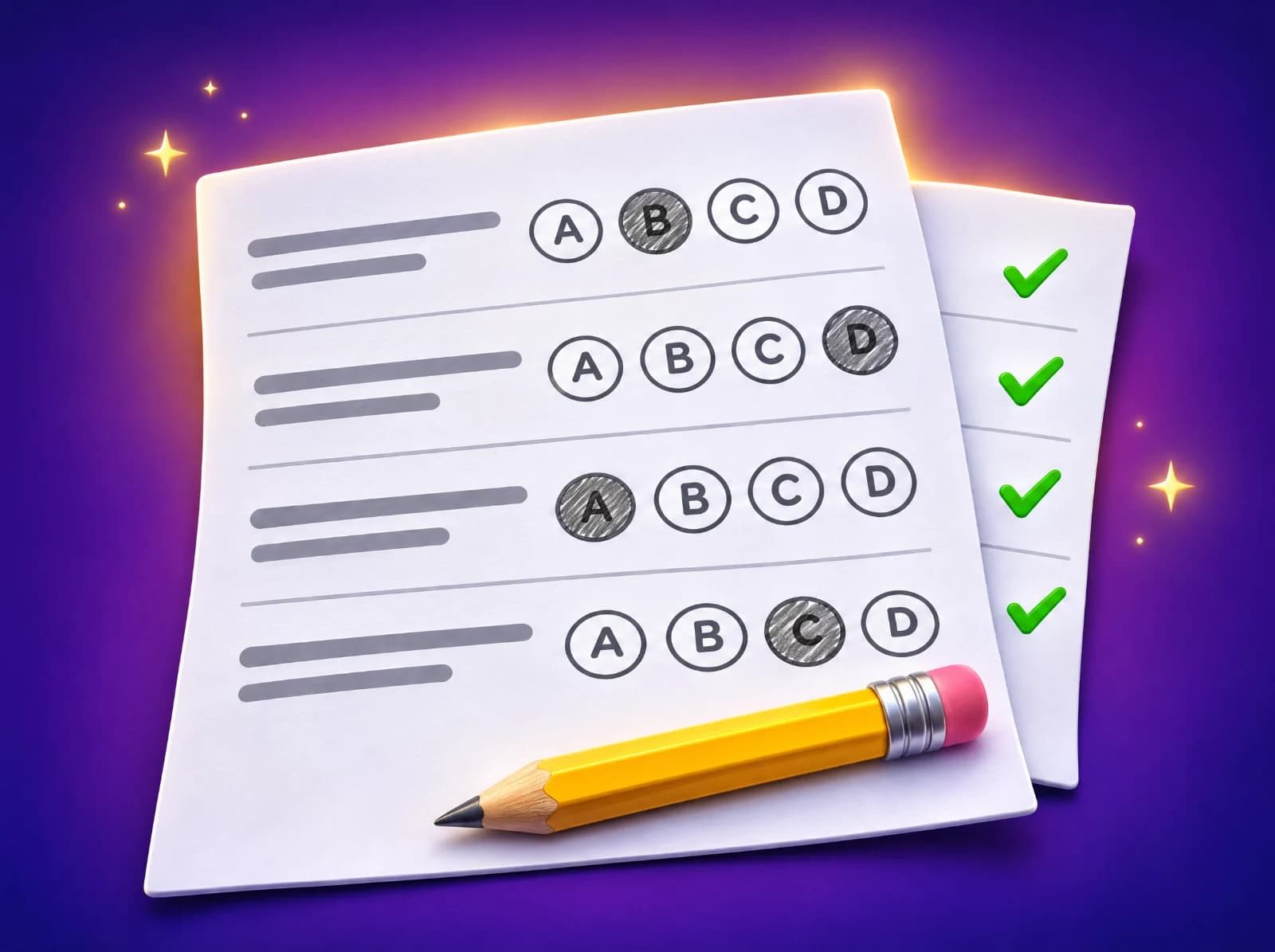
Type your own questions, or pick a subject, grade and topic, and get a clean A, B, C, D worksheet with a name and date line and an answer key on its own page. Shuffle the answers for a second version in one click.
How to type them
The question on one line, then 2 to 6 answers, one per line. Put a * in front of the right answer, and leave an empty line between questions.
Or paste from a spreadsheet, one question per line: question, right answer, wrong answer, wrong answer (commas or tabs).
Type or paste a question to begin, or press "Show me an example".
Your questions stay in this browser. The worksheet link carries them in its address so it can be printed; nothing is stored.
How to use the multiple choice worksheet generator
- Type your questions: the question on one line, the answers below it, and a * in front of the right one. Or paste spreadsheet lines (question, right answer, wrong answers), or switch to "Make them from a topic" and pick a subject, grade and skills.
- Choose a title and whether to shuffle the answers or the question order, then press "Make the worksheet".
- Print it or save it as a PDF. The answer key is on its own page; use "Shuffle again" for a version B with the answers in a different order.
Tips for teachers and parents
- Write wrong answers that a real student might give (a common slip or misconception), not silly ones. Good distractors show you why a child got it wrong.
- Keep all the choices about the same length and style, so the right one doesn't stand out.
- Avoid "all of the above" and "none of the above" with shuffled answers: they read oddly when they move. Untick "Shuffle the answers" if you use them.
- Hand out versions A and B (same questions, answers shuffled) to neighbors in a test, and mark both with the matching key.
- Ask students to write one sentence on why one wrong answer is wrong. It turns a quick check into real reasoning.
Ready-made questions for every grade
"Make them from a topic" draws on Eurekami's question bank for math, English and science from kindergarten to grade 12. Questions that are normally typed (like 73 − 59) are turned into four choices using the slips children really make: an answer one off, the digits swapped, or the wrong operation. Every sheet is new, and the answer key can include the worked steps.
Questions people ask
- Is the multiple choice worksheet generator free?
- Yes. Making and printing worksheets, with answer keys, is free with no sign-up.
- How do I mark the right answer?
- Put a * in front of it, like "* 56". In spreadsheet lines, the first answer after the question is the right one.
- How many questions can a worksheet have?
- Up to 50 typed questions, with 2 to 6 answers each. Topic worksheets have 8 to 25 questions.
- Are my questions saved?
- No. They stay in your browser, and the worksheet link carries them in its address so the sheet can be printed. Nothing is stored or sent.
- Can students do it online?
- For an on-screen quiz that marks itself, use the free math quiz maker or the true or false quiz generator. The worksheet can also be filled in on a tablet as a PDF.
Related free tools
Test generatorMath quiz makerTrue or false quizzesPrintable worksheetsExit ticketsVocabulary tests
Keep exploring
- Math by topicFractions, times tables, long division and more
- Math by gradeEvery skill from kindergarten to 8th grade
- English and grammarNouns, verbs, commas, spelling and more
- Reading passagesShort stories with read-aloud and questions
- Science by gradePlants, forces, matter, space and more
- Free math gamesGames where every move is a math question
- Manipulatives and simulationsMath tools plus science sims: cells, atoms, forces, planets
- Math flash cardsAdd, subtract, multiply and divide, online
- Calculators with stepsPercent change, long division, rounding, hex
- Lesson plan builderAny skill, K–12, with a student sheet
- Test generatorPrintable tests with answer keys
- Math 5-a-dayFive fresh warm-up questions every day
- Guides for parentsHow to help with fractions, tables, tests and more

Math, English and science that click.