free tool for teachers
Exit ticket generator
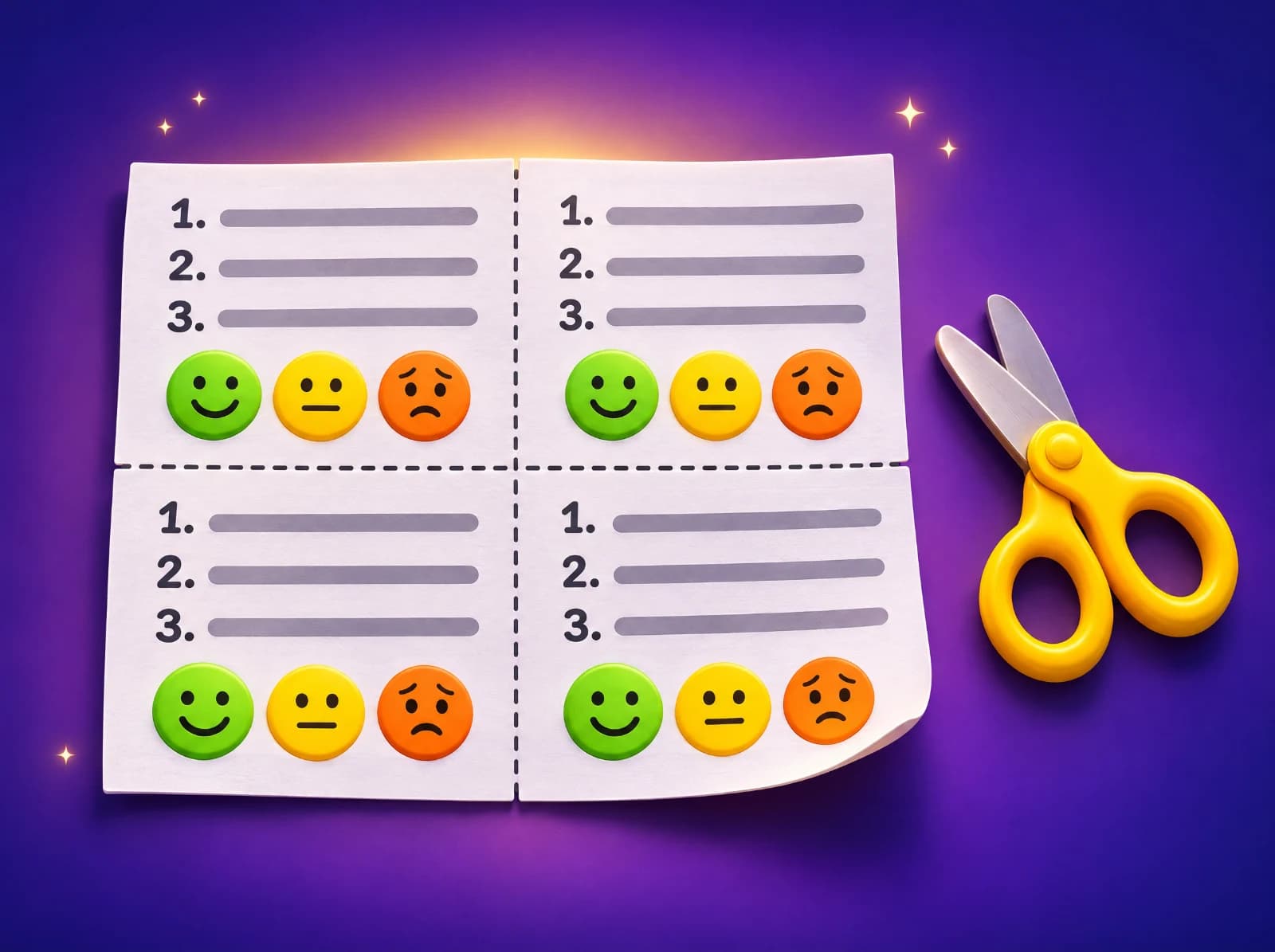
Pick a subject, a grade and the skill you taught today, and get an exit ticket in seconds: three quick questions from easy to harder, and a "how did it go?" row. Print four slips to a page, with an answer key for you.
How to use the exit ticket generator
- Choose math, English or science, the grade, and the one skill you taught in today's lesson.
- Press "Make the exit ticket" to see the slip: three questions that get a little harder, and a self-check row (got it, nearly, not yet). "New questions" makes a different set.
- Print it: four slips to a page with cut lines, either all the same or with different numbers on each, and an answer key page for you.
Tips for teachers and parents
- Give the exit ticket in the last 3 to 5 minutes of the lesson, and collect it at the door. Keep it short: it's a check, not a test.
- Sort the slips into three piles (got it, nearly, not yet) as you read them. The piles are tomorrow's groups.
- Compare the self-check row with the answers. A child who circles "got it" but misses question 3 needs a different conversation from one who knows they're stuck.
- Start the next lesson with the question most of the class missed, worked through together.
- Use "different numbers" when students sit close together, so each has to do their own thinking.
Three questions, easy to harder
Each ticket takes one question type from each difficulty level of the skill in Eurekami's question bank: the first checks the basic idea, the second asks for a little more, and the third is the stretch. Every skill from kindergarten to grade 12 in math, English and science is there, written to the Common Core, NGSS and the national curriculum in England. For a whole lesson around the skill, use the free lesson plan builder: its plans end with an exit ticket too.
Questions people ask
- Is the exit ticket generator free?
- Yes. Making and printing exit tickets, with answer keys, is free with no sign-up.
- What is an exit ticket?
- A short check at the end of a lesson: a few questions on what was just taught, answered on a slip of paper and handed in. It shows the teacher who is ready to move on and who needs more help.
- How many slips print on a page?
- Four, with dashed lines to cut along. Print as many pages as you need for your class.
- Why do the slips have different numbers?
- With "different numbers", each slip on a page is a different version (A, B, C, D) of the same three questions, so students sitting together can't copy. The answer key lists all four.
- Can I make an exit ticket for more than one skill?
- An exit ticket works best on the one skill of the lesson. For a mixed review, use the test generator or the math quiz maker.
Related free tools
Lesson plan builderTest generatorMath quiz makerTrue or false quizzesMultiple choice worksheetsMath 5-a-day
Keep exploring
- Math by topicFractions, times tables, long division and more
- Math by gradeEvery skill from kindergarten to 8th grade
- English and grammarNouns, verbs, commas, spelling and more
- Reading passagesShort stories with read-aloud and questions
- Science by gradePlants, forces, matter, space and more
- Printable worksheetsPrint, or do them on a tablet with a finger or pen
- Free math gamesGames where every move is a math question
- Manipulatives and simulationsMath tools plus science sims: cells, atoms, forces, planets
- Math flash cardsAdd, subtract, multiply and divide, online
- Calculators with stepsPercent change, long division, rounding, hex
- Test generatorPrintable tests with answer keys
- Math 5-a-dayFive fresh warm-up questions every day
- Guides for parentsHow to help with fractions, tables, tests and more

Math, English and science that click.