free tool for teachers
Math quiz maker
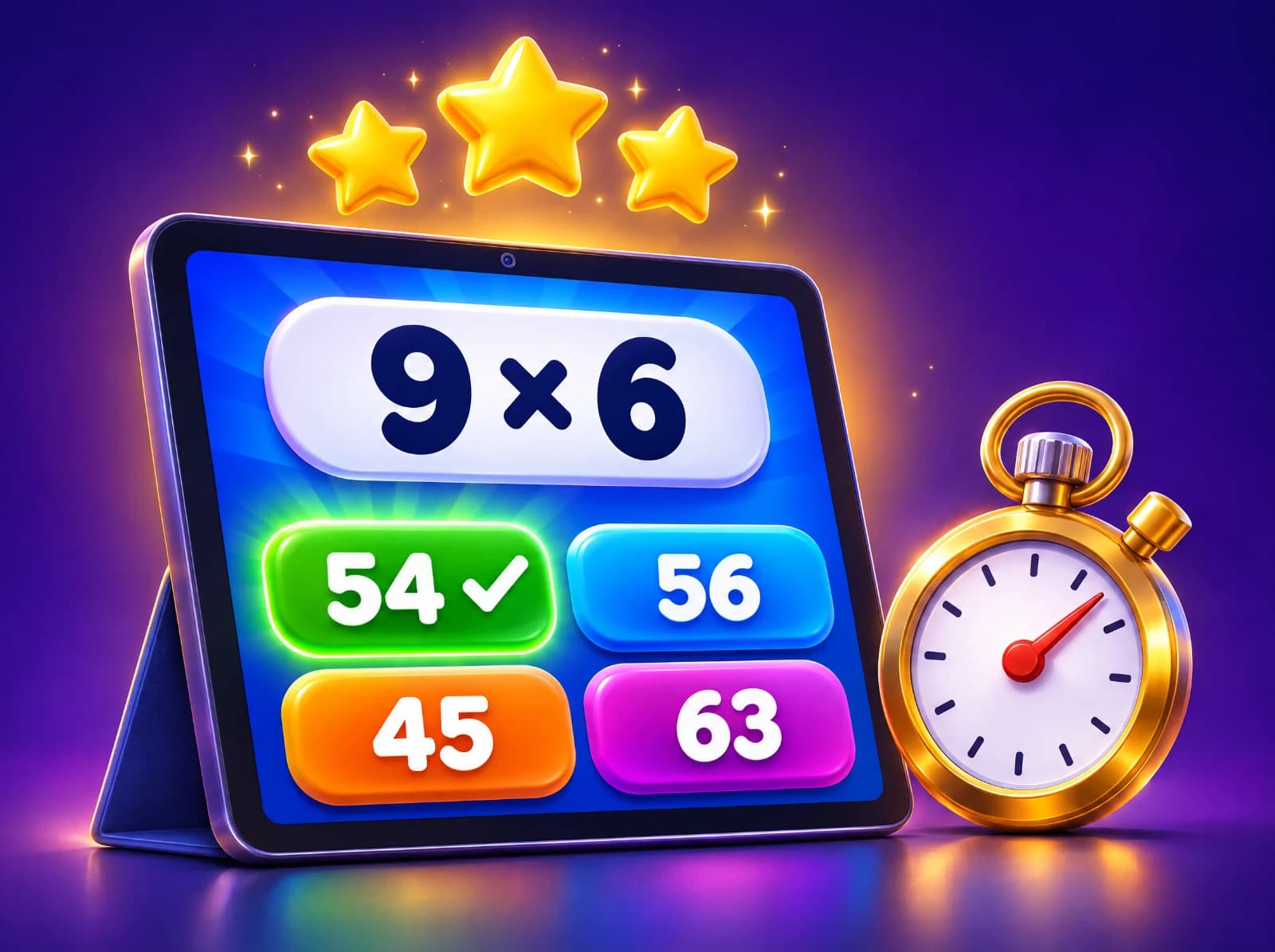
Make a self-checking multiple choice math quiz for the whole class in seconds: pick a grade and the topics, put it on the board, and let students answer with big buttons that mark themselves. Add a timer, and share the exact same quiz with a link.
How to use the math quiz maker
- Pick a grade from kindergarten to 12, tick the topics you taught (or none for a mix of the whole grade), and choose how many questions and whether to add a timer.
- Press "Make the quiz", then "Start the quiz". Use "Full screen" on the board: each question shows four big answer buttons, marked right or wrong as soon as one is picked.
- At the end you see the score and every answer. "Copy link" shares this exact quiz (same questions, same order); "New quiz" makes a fresh one with the same settings.
Tips for teachers and parents
- Play it as a whole class: read the question, give thinking time, take a vote with fingers (1 to 4 for A to D), then tap the class's answer.
- Before revealing, ask a student who chose a wrong answer to explain it. The wrong choices are the usual slips (an answer one off, digits swapped, the wrong operation), so they show what to reteach.
- Send the same link to students for homework or a station. They answer on their own device; nothing is saved and no accounts are needed.
- Use the timer for a quick five-minute review at the start or end of a lesson, and "Try the ones I missed" to go straight back over the misses.
Questions from a real question bank
The questions come from Eurekami's bank of math question types, written to the Common Core standards and the national curriculum in England, from counting in kindergarten to calculus in grade 12. Each type makes new numbers every time, and questions that need a picture (clocks, bar charts, shapes, number lines) show it on screen.
Questions people ask
- Is the math quiz maker free?
- Yes. Making, playing and sharing quizzes is free, with no sign-up for you or your students.
- How does sharing work if nothing is saved?
- The link holds the grade, topics, number of questions, timer and a seed number. Opening it rebuilds the same quiz in the browser, so there is nothing to store.
- Can students take it on their own devices?
- Yes. Share the link and each student plays it on a phone, tablet or computer. Scores are shown to the student only and are not recorded.
- Can I print the quiz?
- This tool is for playing on screen. For a paper test with an answer key, use the free test generator, or the multiple choice worksheet generator for an A, B, C, D sheet.
- Can I write my own questions?
- Use the multiple choice worksheet generator to type your own questions, or a free teacher account to build, save and assign quizzes with your own and AI-written questions.
Related free tools
Printable test generatorMultiple choice worksheetsTrue or false quizzesExit ticketsTimes tables speed testMath flash cards
Keep exploring
- Math by topicFractions, times tables, long division and more
- Math by gradeEvery skill from kindergarten to 8th grade
- English and grammarNouns, verbs, commas, spelling and more
- Reading passagesShort stories with read-aloud and questions
- Science by gradePlants, forces, matter, space and more
- Printable worksheetsPrint, or do them on a tablet with a finger or pen
- Free math gamesGames where every move is a math question
- Manipulatives and simulationsMath tools plus science sims: cells, atoms, forces, planets
- Math flash cardsAdd, subtract, multiply and divide, online
- Calculators with stepsPercent change, long division, rounding, hex
- Lesson plan builderAny skill, K–12, with a student sheet
- Math 5-a-dayFive fresh warm-up questions every day
- Guides for parentsHow to help with fractions, tables, tests and more

Math, English and science that click.