free tool for kids, parents and teachers
Flashcard maker
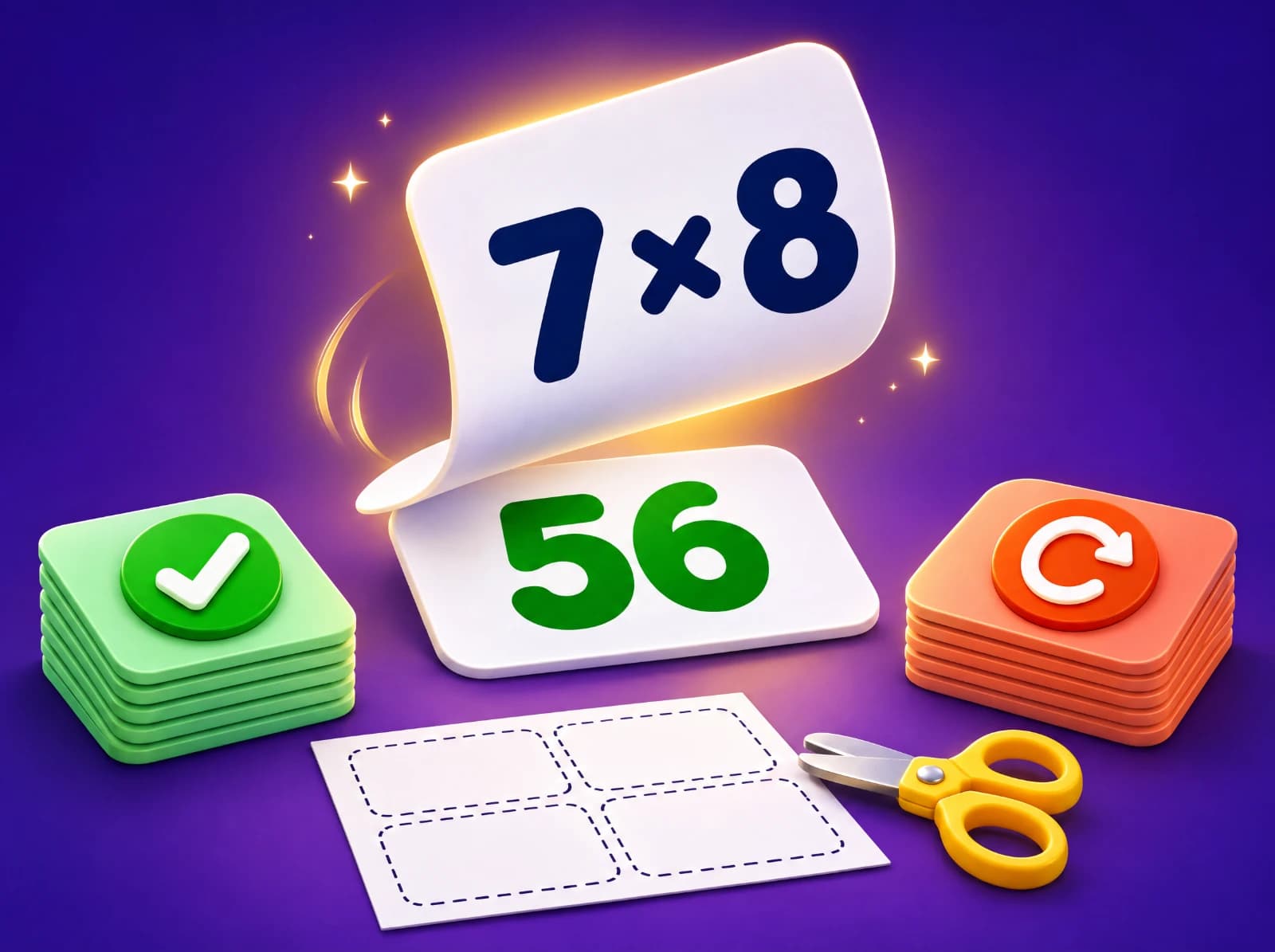
Type a front and a back for each card, or start from a times table, sight words, spelling or science words. Flip through them on screen and sort them into "I knew it" and "again", or print cut-out cards that line up front to back.
Separate the front and back with a dash, an equals sign, a colon or a tab (paste two columns from a spreadsheet). "5 - 3 = 2" splits at the equals sign.
Type a few cards, or choose a starter.
Your cards stay in this browser. The print link carries them in its address so they can be printed; nothing is stored.
How to use the flashcard maker
- Type one card per line, front and back separated by a dash (cat - a small furry pet), or paste two columns from a spreadsheet. Or choose a starter: any times table, sight words, spelling lists, math facts or science words.
- Press "Study online": tap the card to flip it, then sort it into "I knew it" or "Again". At the end, study the "again" pile until it's empty.
- Or press "Print cut-out cards": 8 cards to a page with cut lines, fronts on one page and backs on the next, lined up for double-sided printing.
Tips for teachers and parents
- Say the answer out loud before flipping. Trying to remember (even getting it wrong) is what makes it stick, not just reading the back.
- Keep a set small: 10 to 20 cards. Add new cards as old ones move to the "I knew it" pile.
- Come back to the "again" pile tomorrow and in a few days. Short, spaced practice beats one long session.
- Put one idea on each card. "7 × 8" on the front and "56" on the back works better than a whole table on one card.
- With printed cards, play "pairs": lay them face down and take turns to say the back before turning a card over.
Printing double-sided cards
Print the pages on both sides of the paper and choose "flip on long edge": each back lands right behind its front. On a printer that only prints one side, print the fronts, put the paper back in the tray, and print the backs. Thicker paper or card stock makes cards that last. Cut along the dashed lines, and keep each set in an envelope or with a clip.
Questions people ask
- Is the flashcard maker free?
- Yes. Making, studying and printing flashcards is free, with no sign-up.
- How many cards can I make?
- Up to 48 cards in a set, which prints as 6 pages of fronts and 6 of backs.
- Are my cards saved?
- No. They stay in your browser while the page is open, and the print link carries them in its address. Nothing is stored or sent.
- Can I print them on one side only?
- Yes. Print the fronts and backs pages, glue each back page behind its front page, then cut out the cards. The backs are arranged so they line up.
- Are there flashcards for math facts?
- Yes: pick any times table from the starters, or use the free online math flash cards for addition, subtraction, multiplication and division.
Related free tools
Math flash cards onlineSight word flash cardsVocabulary testsTimes tablesMultiplication worksheetsSpelling test generator
Keep exploring
- Math by topicFractions, times tables, long division and more
- Math by gradeEvery skill from kindergarten to 8th grade
- English and grammarNouns, verbs, commas, spelling and more
- Reading passagesShort stories with read-aloud and questions
- Science by gradePlants, forces, matter, space and more
- Printable worksheetsPrint, or do them on a tablet with a finger or pen
- Free math gamesGames where every move is a math question
- Manipulatives and simulationsMath tools plus science sims: cells, atoms, forces, planets
- Calculators with stepsPercent change, long division, rounding, hex
- Lesson plan builderAny skill, K–12, with a student sheet
- Test generatorPrintable tests with answer keys
- Math 5-a-dayFive fresh warm-up questions every day
- Guides for parentsHow to help with fractions, tables, tests and more

Math, English and science that click.